Back to Basics: Desktop Folders Are Becoming the Main UI Again
AI work is moving out of the chat box and back into project folders, because files are the simplest durable context layer for coworker-style tools.
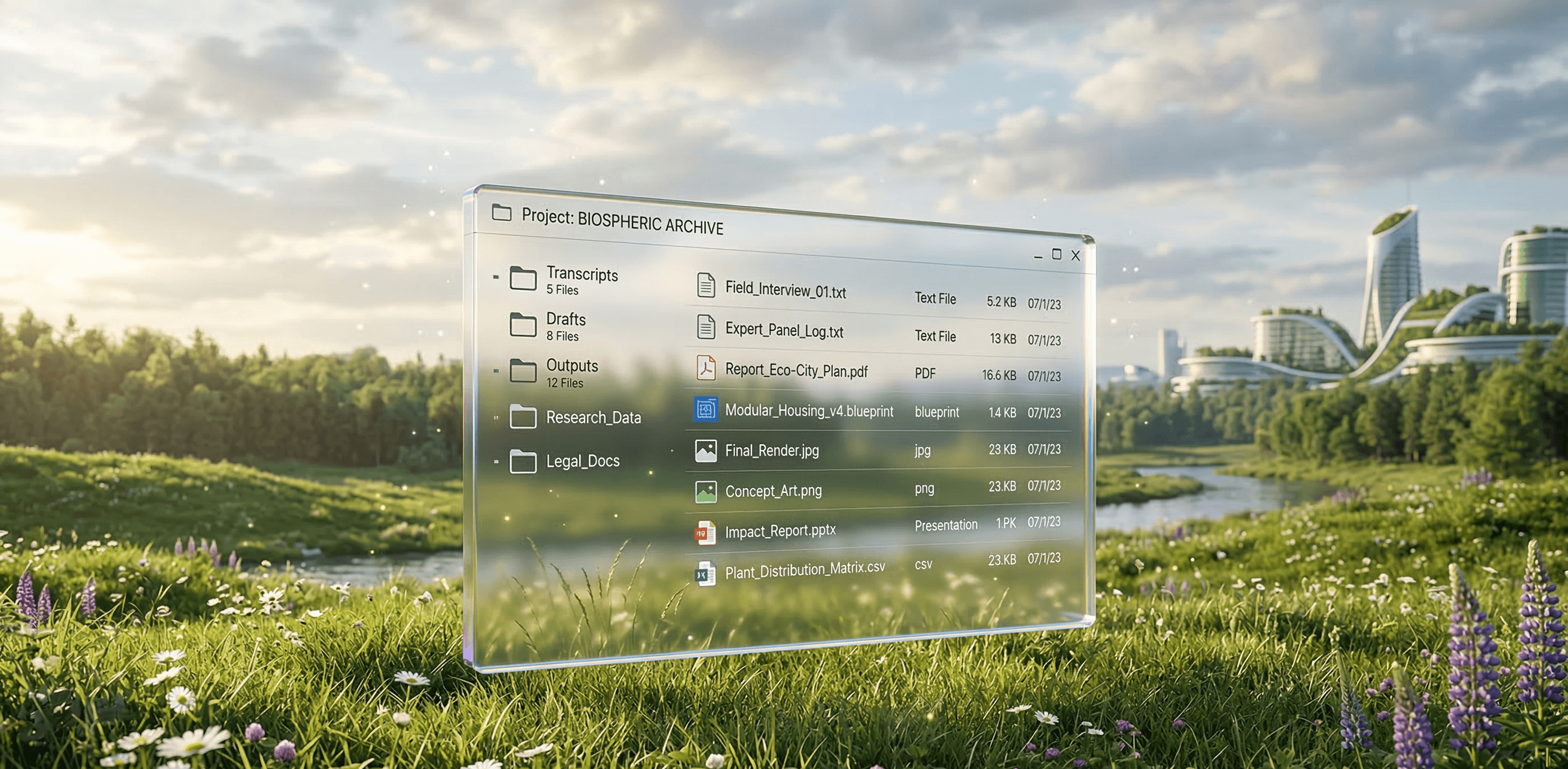
For a while, AI was mostly experienced through chat. That was a useful onboarding interface. It made the models easy to access and easy to understand. You typed something, got something back, and iterated.
The problem is that chat is a thin layer over real work. Useful work is rarely just a response. It has source material, drafts, reference files, notes, transcripts, attachments, templates, and outputs that need to persist somewhere.
What is changing now is not just model quality. It is proximity to working context. Tools like Claude and Codex can operate much closer to the user's actual environment: local files, project folders, codebases, documents, and recurring outputs. That changes the role of AI. It is no longer just something you ask. It becomes something that can work inside a structure you already maintain.
That structure is often just a folder.
For years, software pushed people away from the file system. Work moved into apps, cloud tools, proprietary workspaces, and hidden backends. The files were still there, but they were increasingly treated as implementation detail. AI makes them important again, because files are one of the simplest ways to give a model durable context.
A project folder can hold raw inputs, instruction files, templates, previous deliverables, transcripts, PDFs, draft emails, and generated outputs. Once that material lives in one place, the model can work across it. It can sort it, summarize it, rename it, extract tasks from it, draft from it, and save new artifacts back into the same structure.
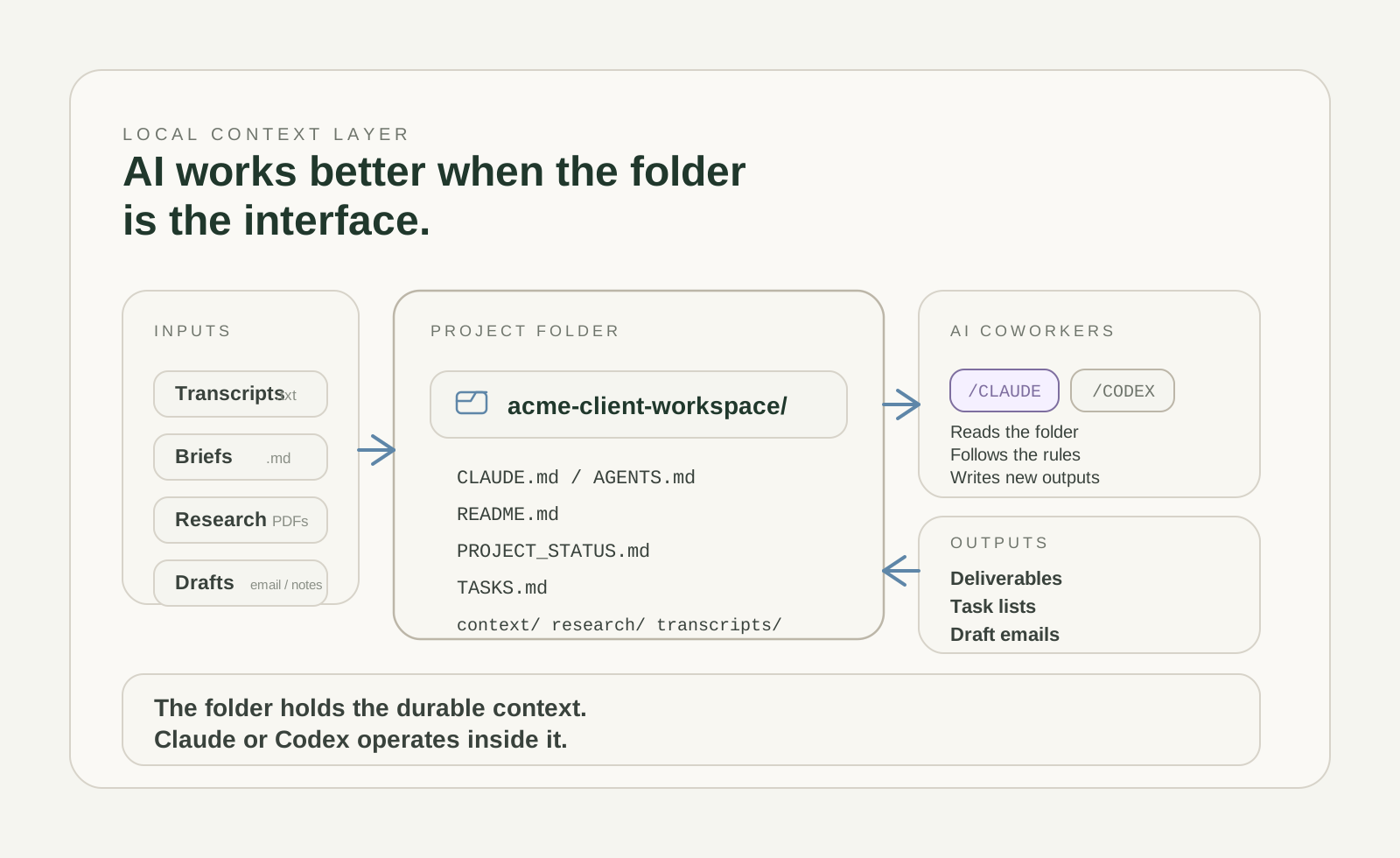
At that point, the folder is no longer just storage. It is the working surface.
This also changes what the user should optimize for. A lot of early AI usage revolved around phrasing: how to prompt, how to ask, how to get a better answer out of the chat box. That still matters, but less than people think. The larger lever is how well the workspace itself is set up. Good naming, clear folders, stable instruction files, reusable templates, and a place for outputs matter more than clever phrasing.
This is also where ownership returns. When the work lives inside your own folder structure, the useful asset is not trapped inside a vendor interface. The instructions are yours. The source material is yours. The outputs are yours. The system becomes easier to audit, improve, migrate, and reuse. The model can change. The context layer remains.
Desktop folders are becoming the main UI again. Not in a nostalgic sense, and not because software is regressing, but because a folder is legible to both humans and machines. It is simple, local, and persistent. For AI-assisted work, those qualities matter more than glossy interface metaphors.
The likely end state is not that everything becomes a chatbot. It is that more people maintain structured project environments on their own machines and let AI operate inside them. The folder becomes the place where inputs arrive, instructions live, and outputs accumulate. That turns out to be a practical foundation for coworker-style AI.
A simple way to start
- Install Claude or Codex.
- Pick one real folder. Not your whole desktop. One project, one client, one company, or one research stream.
- Generate a kickoff prompt with the Context Layer Generator.
- Paste that prompt into Claude or Codex and have it set up the initial layer: the agent contract, folder structure, file conventions, inboxes, archive logic, and the first real task.
- Use the folder as the operating surface. Save emails, transcripts, notes, PDFs, and drafts into it, or paste them into Claude or Codex and tell it to save and organize them properly.
- Keep working in that loop. The model reads from the folder, writes back into the folder, and gradually turns a loose collection of material into a usable context layer.
Continue exploring